Data saver is on, so the video loads in 480p. Choose a higher quality in Settings if you wish.
Read the transcript
Welcome to Training of Trainers, one of our flagship programmes.
This guide shows you exactly how to move through your course.
No stress.
Every step is simple, and you can always find your way back.
Your course has seven modules, and every module follows the same simple loop.
Learn it, with videos, notes and slides.
Prove it, with a quiz or an assignment.
Submit it, and move on.
Finish the modules, complete the evaluation, and your certificate and
transcript follow.
Open the course.
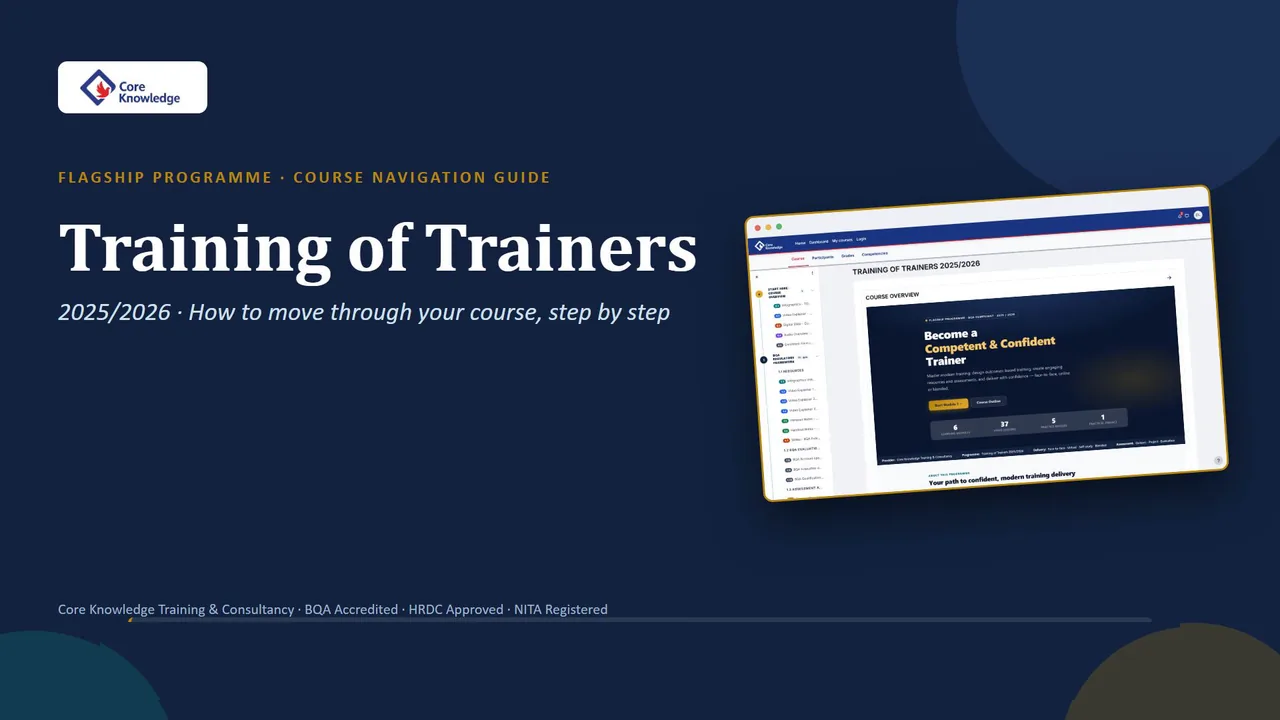
The Course Overview welcomes you with the whole programme at a glance.
Below it, start here: an infographic, a video explainer, the course outline
slides, an audio overview, and the enrolment form.
The menu on the left is your learning path.
Each module is a numbered station, and the one you are on glows gold.
Every module opens with a title bar, and every item inside is numbered, 2.
1, 2.
2, and colour-coded by type.
At the bottom of each module, click Next to go straight to the next one.
Module one: the BQA regulatory framework.
Start with the infographic.
It shows the whole topic in one picture.
Then work through the video explainers, handout notes, and slides.
Step-by-step guides show you how to open your BQA account, and apply for
accreditation.
At the end of the module, open the practice quiz, and click Attempt quiz.
Choose your answer, then click Next page, until you reach the end.
Click Submit all and finish.
Your score appears straight away, with feedback on every answer.
Learn it.
Prove it.
Submit it.
Module one, done.
Module two: outcome based assessment.
Infographics on learning outcomes and Bloom's taxonomy, doodle videos, a video
storyteller, and digital slides and notes.
Then the practice quiz.
Learn it.
Prove it.
Submit it.
Module three: training and assessment strategies.
Storyteller icebreakers, video explainers, and video slide explainers, plus a sample
training plan.
Then the practice exercise.
Learn it.
Prove it.
Submit it.
Module four: assessment methods and resources.
Doodle videos on good assessment principles, digital slide decks, and
handout notes on assessment design.
Then the exercise quiz.
Learn it.
Prove it.
Submit it.
Module five: training plan and presentation skills.
Videos on effective facilitation and presentation planning, with slides and
notes you can keep.
Then the practice quiz.
Learn it.
Prove it.
Submit it.
Module six: AI tools for presentation.
Watch NotebookLM simulations, and learn Napkin AI, step by step.
Module six ends with a practical assignment: create a slide deck with
NotebookLM.
Read the brief, then click Add submission.
Drag your file into the upload box, then click Save changes.
Your status now shows Submitted for grading.
Your trainer marks it, and gives you feedback.
Learn it.
Prove it.
Submit it.
All six modules, done.
Module seven is the training evaluation.
Open Learner Feedback, and answer the questions.
Your honest feedback helps us improve, and completes your training.
Open Grades, any time, to see your results.
Your User report shows every quiz and assignment, and your course total.
Complete every module, submit your work, and finish the evaluation.
Then your certificate and transcript are issued.
Infographics, videos, storytellers, slides, audio, and AI tools.
Everything you need, in one place.
Remember the loop.
Learn it.
Prove it.
Submit it.
Then evaluate, and collect your certificate.
You can do this.
We are with you all the way.
Ready to begin?
Type either address on your screen, and click Learning Portal.
Need help?
Contact our team by email, phone, or WhatsApp.
The details are on your screen.